
Start here
Sign in & workspaces
Accounts, roles, switching workspaces, and creating one — including “Set it all up for me” where the deployment has an AI model.
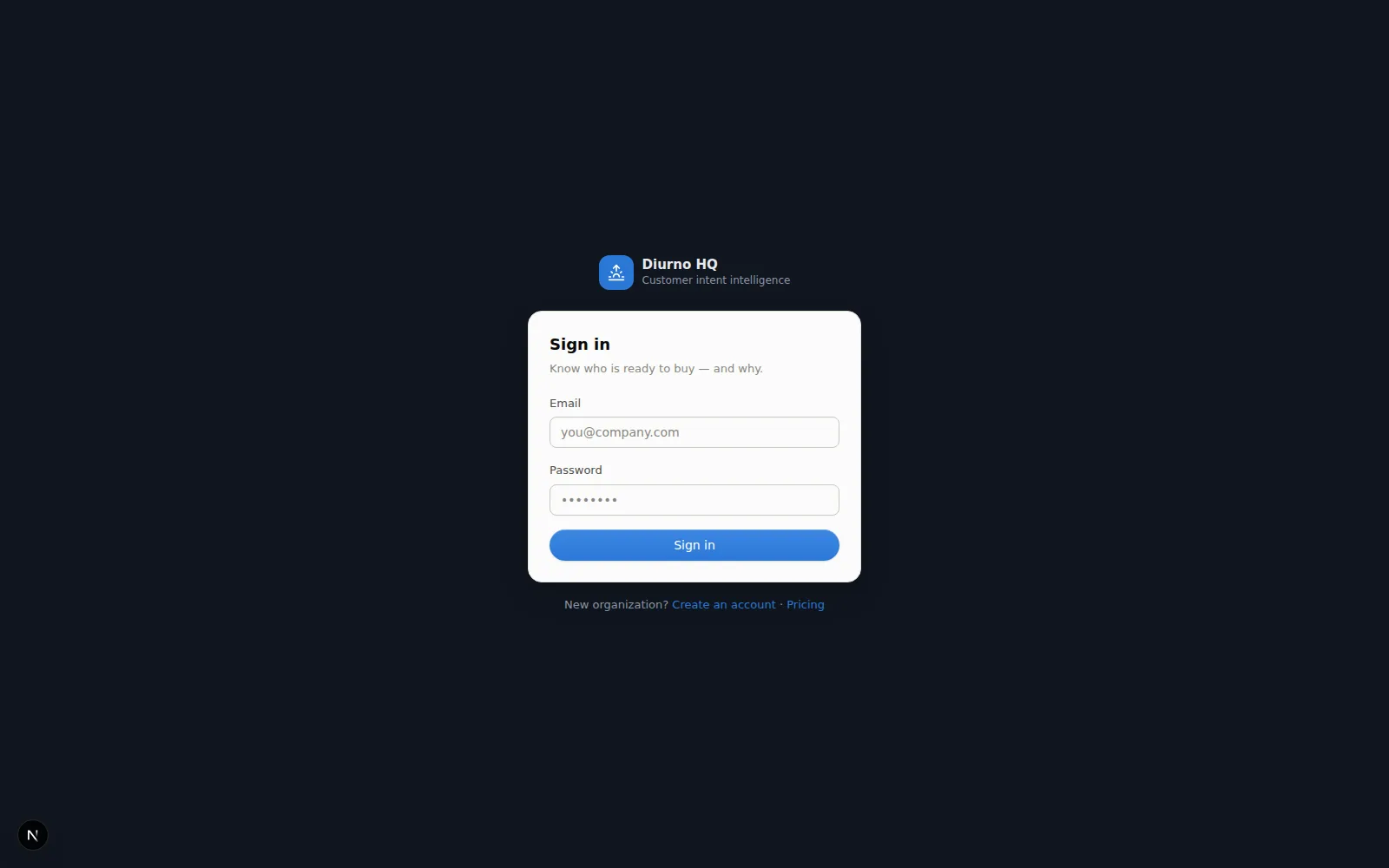
Sign in with your email and password at the sign-in page (the eye icon shows what you typed). If you don't have an account yet, ask a teammate with the owner or admin role to add you from SettingsTeam — no invite email goes out; they'll share a temporary password with you. Starting on your own? When free sign-up is open, Start free on the public site creates your organization on the Free plan — no card, no invite. Forgot your password? Ask a teammate with the owner or admin role to reset it from SettingsTeam, or use Forgot password? on the sign-in page — it opens an email to contact@diurnohq.com and a person at Diurno HQ sets a temporary password for you (there's no automatic reset email yet). Once you're in, change it under SettingsTeamYour password. Signing in takes you straight to the Dashboard (diurnohq.com/dashboard). Already signed in? The public site at diurnohq.com shows Open app in its header, and it takes you back there; opening the sign-in or sign-up page while signed in says You're already signed in and offers Sign out, so you don't end up in a second account by accident.
Workspaces
A workspace is one product or market you sell into — with its own accounts, scoring rules, personas, and competitor list. Sales intelligence for selling security software looks nothing like intelligence for selling recruiting services, so each lives in its own workspace.
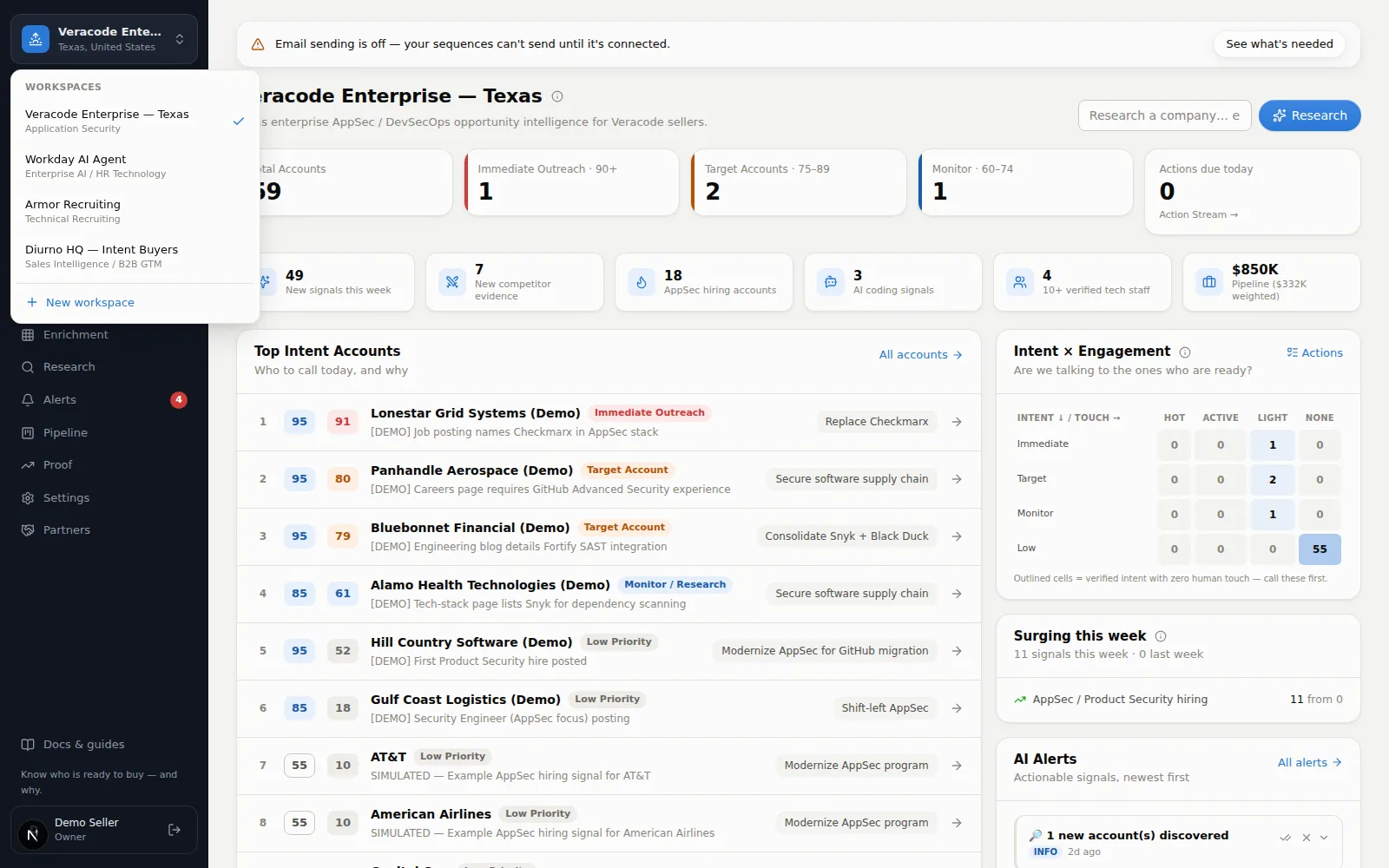
- Switch — click the workspace name at the top of the sidebar and pick another. If you're on one company's page (say an account) when you switch, you land on that section's list in the new workspace, and a toast confirms the switch.
- Create — same menu → New workspace. The wizard's first step, Start from your website (optional), takes your website address; press Analyze and the next screen offers the big button, Set it all up for me: AI reads your site, answers the four setup questions (what you sell, who buys it, competitors, what a good customer looks like), builds the scoring model, personas, and plays, writes a starter library of email templates and sequences, and lands you in a pre-filled company search — a watched checklist shows each piece finishing. If writing the emails fails, it says Emails not written yet and waits for you to choose Continue to company search rather than claim success; on the Free plan the setup skips the email-writing step altogether. Reading your site needs a live AI model, so while the Research screen says instant research is turned off the website field and Analyze are switched off and Answer by hand is the main button — Research lanes & cost explains.
- Prefer to answer yourself? Skip — answer by hand takes you through the four questions (1/4 to 4/4) — or let AI draft them from your site and edit before continuing. The first question (what you sell) is required; the other three are optional, and an empty one says what you'd miss. The wizard checks sizes before it sends anything — up to 10 personas, 20 competitors and 10 qualification criteria — and the last step sums up how many of each you've entered. What you sell needs at least 2 characters and takes up to 300; a persona or competitor takes up to 120 and a criterion up to 500. The workspace name is optional (left blank it is the start of what you sell), also needs at least 2 characters once spaces are trimmed, and must not already belong to one of your workspaces, upper or lower case ignored — an archived workspace keeps its name until it is restored or deleted. Names that differ only in punctuation or script (“Sales” and “Sales!”, or two names in Arabic, Cyrillic or Chinese) are different names and both allowed; a name with no Latin letters or digits gets a short generated identifier such as
ws-1a2b3c4d, which shows only in the file name of an accounts export (ws-1a2b3c4d.csv). Creating the workspace switches the app to it and lands you in Find companies. Either way you can review what it built later in SettingsResearch profile (the profile and personas are editable there; scoring rules live under SettingsScoring).
- Archive or delete — owners and admins can take a workspace out of use from SettingsWorkspaces: Archive hides and pauses it but keeps everything (restore any time; on a plan with a workspace limit it still counts toward that limit), Delete removes it for good after you type its name. Archive or delete a workspace.
If your workspaces can't be loaded (a network hiccup, say), the app shows We couldn't load your workspaces with Try again and Sign out — it doesn't mistake an outage for a brand-new account. If Diurno HQ itself can't be reached (a deploy, a restart), you see We couldn't reach Diurno HQ and You're still signed in: the app retries by itself every 15 seconds, and only an expired session sends you back to sign in. If a teammate archives or deletes the workspace you're in, the app notices within about a minute (or as soon as a request answers “Workspace not found”) and moves you to another one with a note.
Roles
| Role | What they can do |
|---|---|
| Owner | Everything, including the plan (only an owner changes or converts it), the owner role, and integrations. |
| Admin | Invites, settings, integrations and team management — but not the plan, the owner role, or an owner's password. (An admin on the Free plan can send an upgrade request.) |
| Member | Day-to-day selling: accounts, research, outreach, actions. Can't change credentials or team. |
Owners and admins manage all of this from SettingsTeam: change roles, restrict which workspaces a person can see (the Access button — nothing selected means all of them), reset a password for a teammate who's locked out, and deactivate an account when someone leaves. A deactivated teammate can't sign in, but everything they logged stays; reactivating one needs a free seat. An admin who can see only some workspaces can give people access only to workspaces they can see themselves, and can't manage a teammate who can see more than they can. A new teammate's Email me the Daily Brief every morning setting starts off.
On your phone
Diurno HQ works in your phone's browser. The sidebar becomes a menu behind the ☰ button top-left; the bell top-right jumps straight to Alerts. Everything else works the same.